Manual Layout
Hours spent manually positioning nodes and connecting branches.
Compare model interpretations of a topic on the canvas. Check the proposed branches for gaps and assumptions before sharing your analysis.
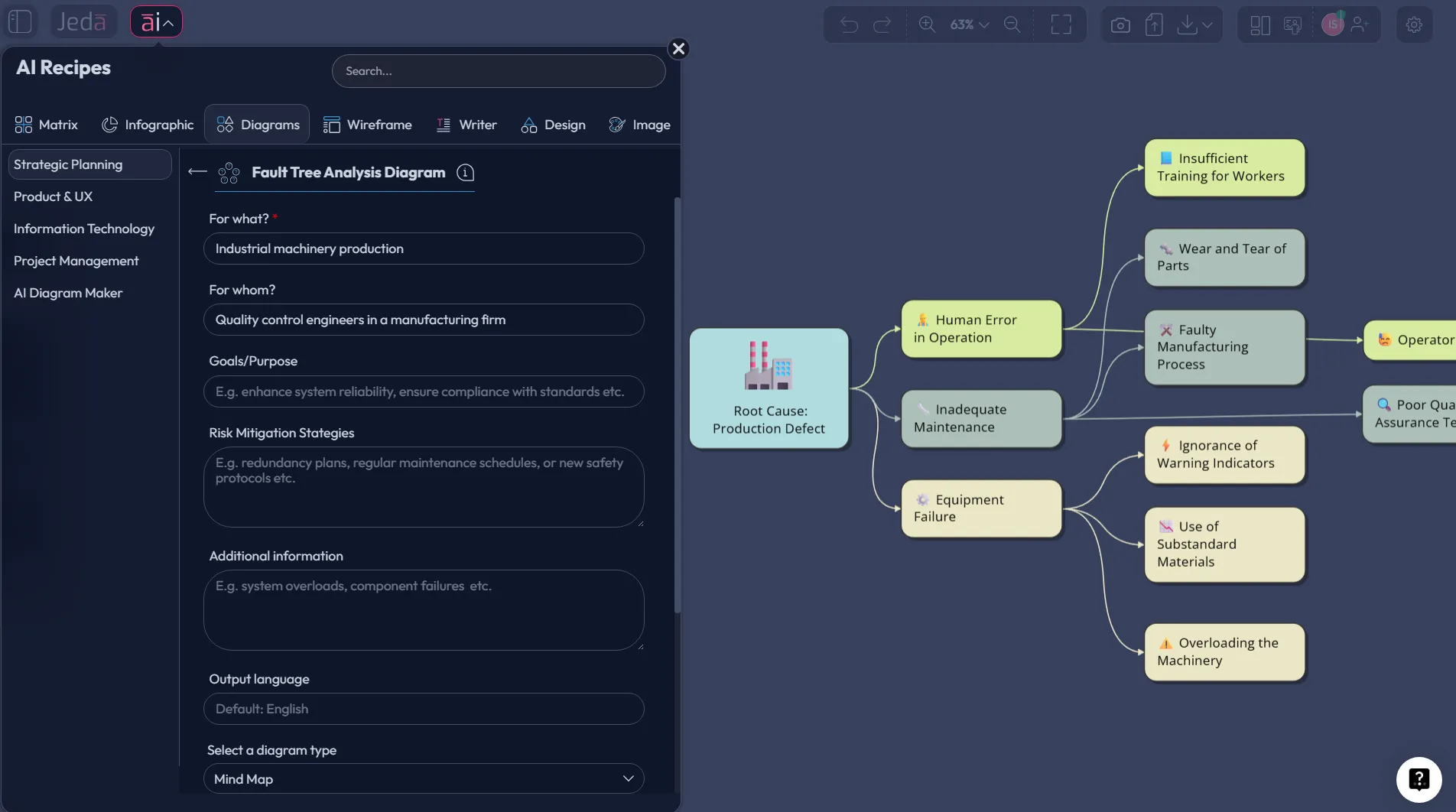
While basic tools generate generic topic trees, Jeda.ai's 300+ AI Recipes generate applied frameworks: Duncker Diagrams for creative problem-solving, Fishbone Analysis for root cause mapping, BPMN Diagrams for process design, Decision Trees for option evaluation. Each recipe has a specific methodology built in — not just 'brainstorm about X.' You can also use the Risk Analysis recipe.
Toggle web search to add current market information to branches. Check the cited sources and keep relevant context alongside your analysis.
Use multi-model mind mapping with GPT, Claude, and Grok 4.1 Fast to compare interpretations of your prompt. Look for single-model blind spots by checking the proposed branches against your source material.
Pre-built strategic consulting frameworks mean you're not starting from scratch. Generate SWOT, PESTEL, Five Forces, Growth-Share Matrix — no template hunting, no manual formatting.
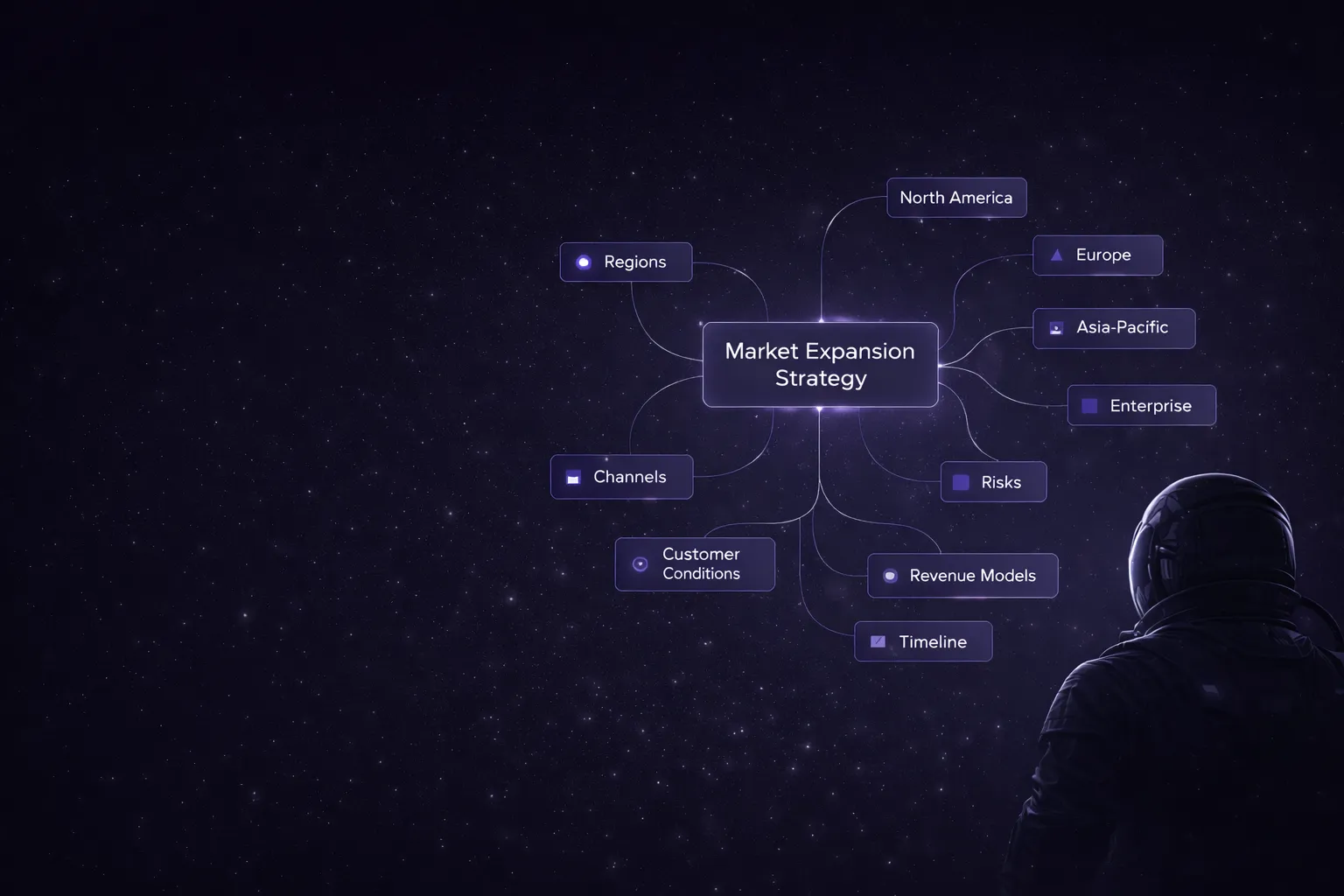
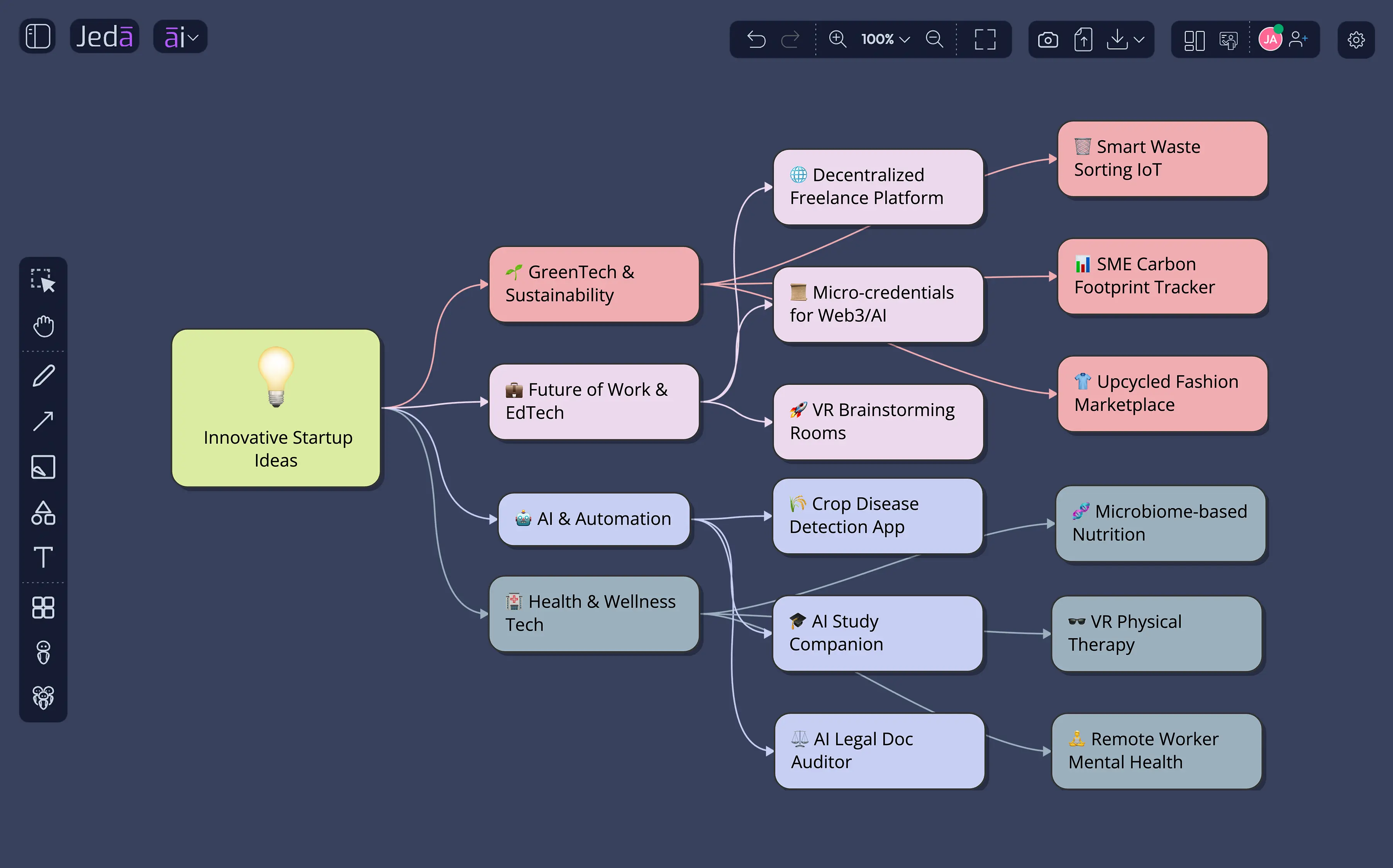
Practice AI mind mapping by writing a natural language prompt with a clear audience and scope. Type "/mindmap competitive analysis for SaaS startups", then review the generated structure.
Use live web mind mapping to bring current research context into your branches. Check the sources before using findings in a decision.
Run a collaborative brainstorming session with live cursors on a strategy workshop canvas. Use team workshop planning to agree on the question, assign topics, and review contributions together.
Use Jeda.ai as a knowledge map generator for PDFs, documents, and research papers. Review the visual knowledge structure against the original concepts and relationships in your source.
A full AI powerhouse — the most powerful language, reasoning, and image models packed together for every use case. Jeda.ai's Multi-LLM Agent runs multiple models simultaneously, picks the best output, and delivers smarter results than any single model alone.
Start the prompt bar workflow with mind map prompt examples such as "/mindmap campaign ideas for a product launch". As a mind map generator from text, Jeda.ai uses your brief to draft branches. Include the audience, scope, and topics you want to explore.
Append /mindmap to your topic on the canvas
PDF, text, or typed prompts
"Analyze competitive threats in the SaaS market this quarter"
Use the PDF to mind map workflow to draft a mind map from PDF source material. Review main topic extraction and subtopic clustering against the document, then correct labels or connections that need more context.
Turn source notes into branches to review
Organize findings and check them against the paper
Multiple AI models (GPT, Claude, Grok 4.1 Fast, and more) analyze your input simultaneously. Each identifies key concepts from different perspectives. The consensus engine combines interpretations into a draft for your team to check and refine.
3 AI perspectives unified
Business frameworks recognized
Use the AI concept map generator to organize related ideas in a hierarchical branch structure. Review parent topics, subtopics, and supporting details, then use color coding to distinguish themes in your map.
Auto-organized structure
Color-coded by theme
Use AI Extend for branches: select a node and type "/expand" to explore it further. Ask a focused question such as "What should we investigate?", then edit the proposed nodes to fit your source material.
Ask questions about nodes
Current data integrated
For mind map export to PowerPoint, download an SVG and convert it to editable shapes in PowerPoint. Review labels and layout for PowerPoint-ready visual output. You can also share PDF or PNG versions for reports and team review.
Refine exported SVG shapes on your slide
Keep a scalable copy for presentation work
Use models such as GPT, Claude, and Grok 4.1 Fast to explore a topic. Compare their interpretations and select branches to develop.
AI interpretations can contain gaps and assumptions. Review the branches against your sources and discuss differences with your team.
Our AI recognizes business frameworks automatically. Type 'competitive analysis' and it structures your ai mind map using Porter's Five Forces. Ask for 'market entry strategy' and it applies Blue Ocean thinking. The intelligence is built into the structure.
Check the generated hierarchy, source references, and branch labels before presenting. Keep the evidence for a conclusion alongside its visual summary.
Mind mapping for consultants can start with a competitive analysis mind map. Check sources and assumptions before sharing a consultant-ready mind map with a client.
Use mind mapping for students to organize case studies into a student study map. Discuss the hierarchy with your study group and check each idea against your course material.
Build a product roadmap map to discuss feature priorities, user needs, and dependencies. Keep research notes beside the branches your team needs to review.
Synthesize large research papers into visual knowledge maps. Upload PDFs and let AI extract key concepts, relationships, and findings automatically. Great for literature reviews.
Draft a mind map from meeting notes to organize requirements and stakeholder concerns. Review the extracted relationships with participants before planning the project.
Slow, scattered, analysis paralysis
Hours spent manually positioning nodes and connecting branches.
One AI perspective = one set of blind spots in analysis.
Static data — no live web intelligence integration.
Limited framework templates, manual customization required.
No real-time collaboration — share screenshots instead.
Fragmented workflow: mind map here, whiteboard there, slides elsewhere.
Structured maps for shared review
AI generates structured mind maps from natural language.
Multi-LLM Agent: compare model interpretations on the canvas.
Real-time web search integrated — optional web context for branches.
300+ pre-built analytical frameworks (SWOT, PESTEL, BCG, Porter's).
Real-time collaboration with live cursors and AI assistance.
Unified AI Workspace: mind maps, flowcharts, infographics in one canvas.
Some features require paid plans.
Toggle web search to add market data, competitor updates, and industry benchmarks to branches. Review source dates and relevance before drawing conclusions.
Review source URLs alongside research findings. Keep references available so your team can check the evidence for a branch.
Refresh research context when reviewing a branch. Check source dates and update the map to reflect the information you intend to share.
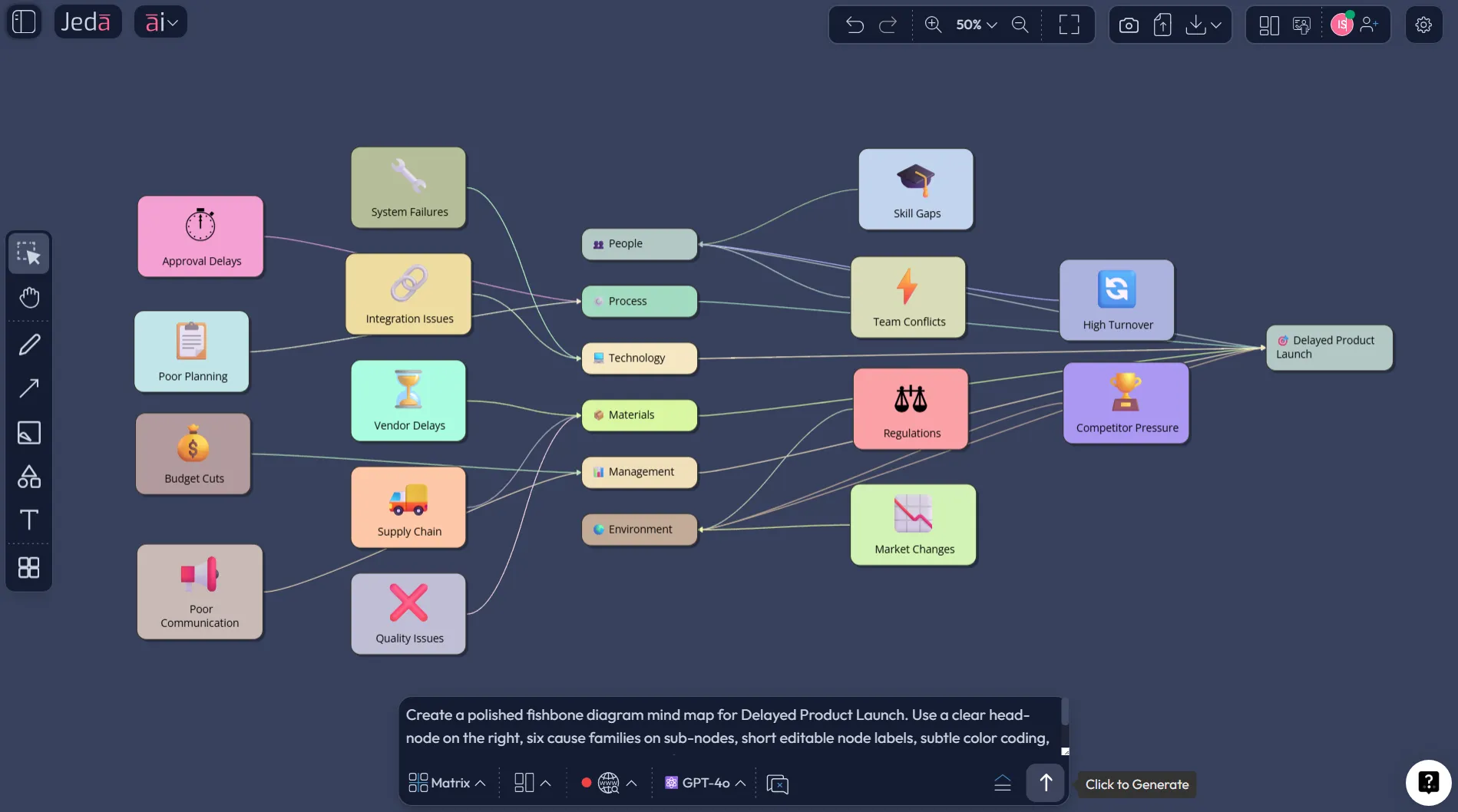
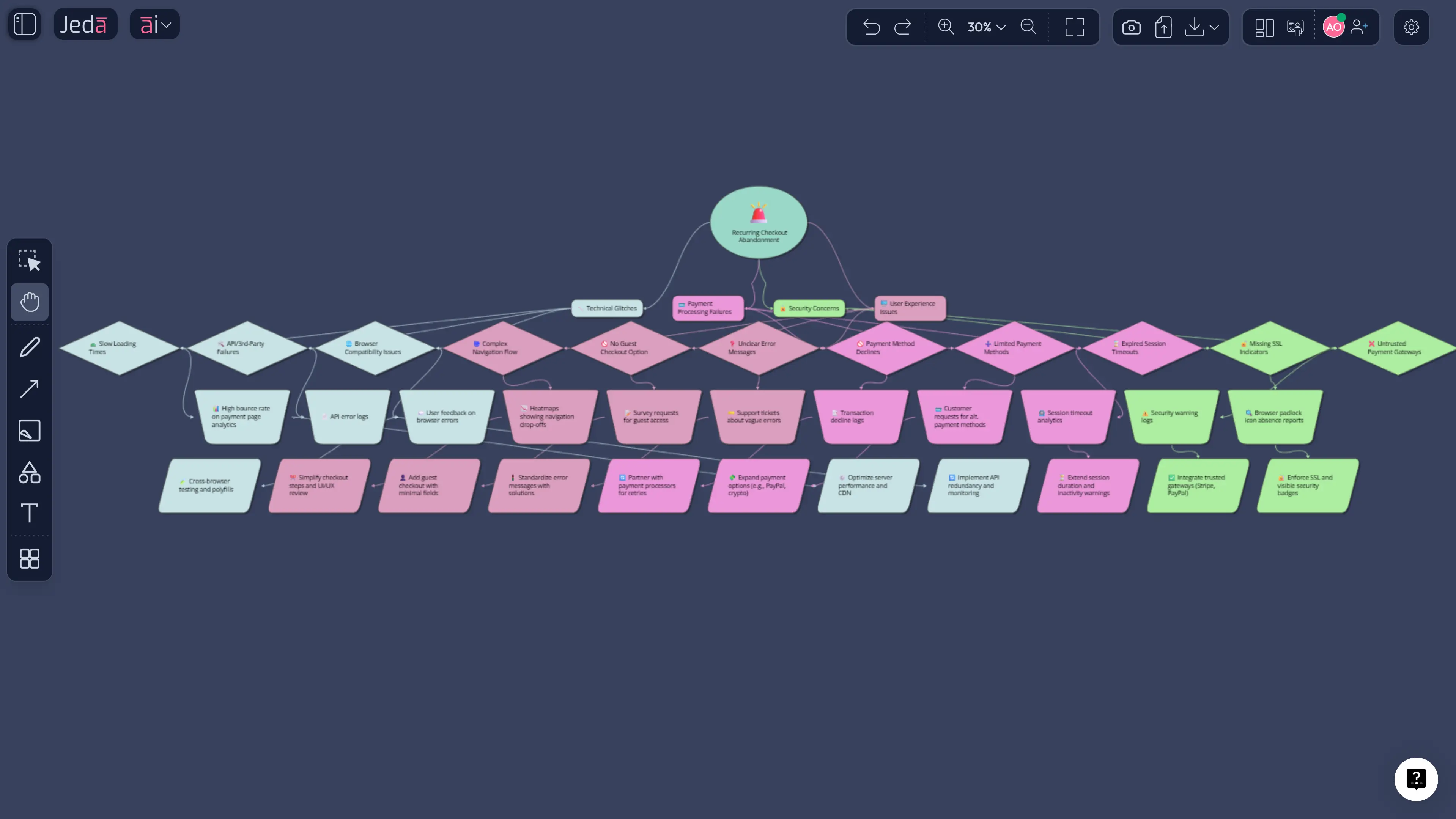
Explore a Duncker Diagram recipe to reframe a problem. Trace possible causes in a Fishbone analysis map, or compare options in a Decision Tree mind map before deciding what to investigate.
Choose from models such as GPT, Claude, and Grok 4.1 Fast, depending on your plan. Each model brings different strengths — use one or combine multiple for consensus intelligence on your ai mind map.
AI mind maps with live data integration. Toggle web search to add current market intelligence, competitor updates, or industry benchmarks to branches.
SWOT, PESTEL, Porter's Five Forces, BCG Matrix, 7-S Organizational Model, Blue Ocean Strategy, Value Chain. Pre-built templates designed by consultants for real business challenges.
Practice Visual Thinking by choosing clear branch labels and making relationships explicit. Describe your challenge in plain English, then refine the map with your team.
Upload PDFs, images, documents, or handwritten notes. AI extracts key concepts and relationships, creating structured mind maps from any content format.
Multiple team members work simultaneously with live cursors. AI assists each contributor by expanding nodes and suggesting connections during workshops.
Export your ai mind map to PDF for reports, high-resolution PNG for presentations, or SVG for scalable vector graphics. One click, professional output — no manual rebuilding.
Collapse child branches to focus on what matters. Click the fold button on any node to hide descendants, unfold to reveal them. Essential for managing large mind maps with hundreds of nodes.
Type your topic on the canvas and add /mindmap at the end — AI generates the mind map directly without opening the prompt bar. Fast, fluid, keyboard-driven workflow.
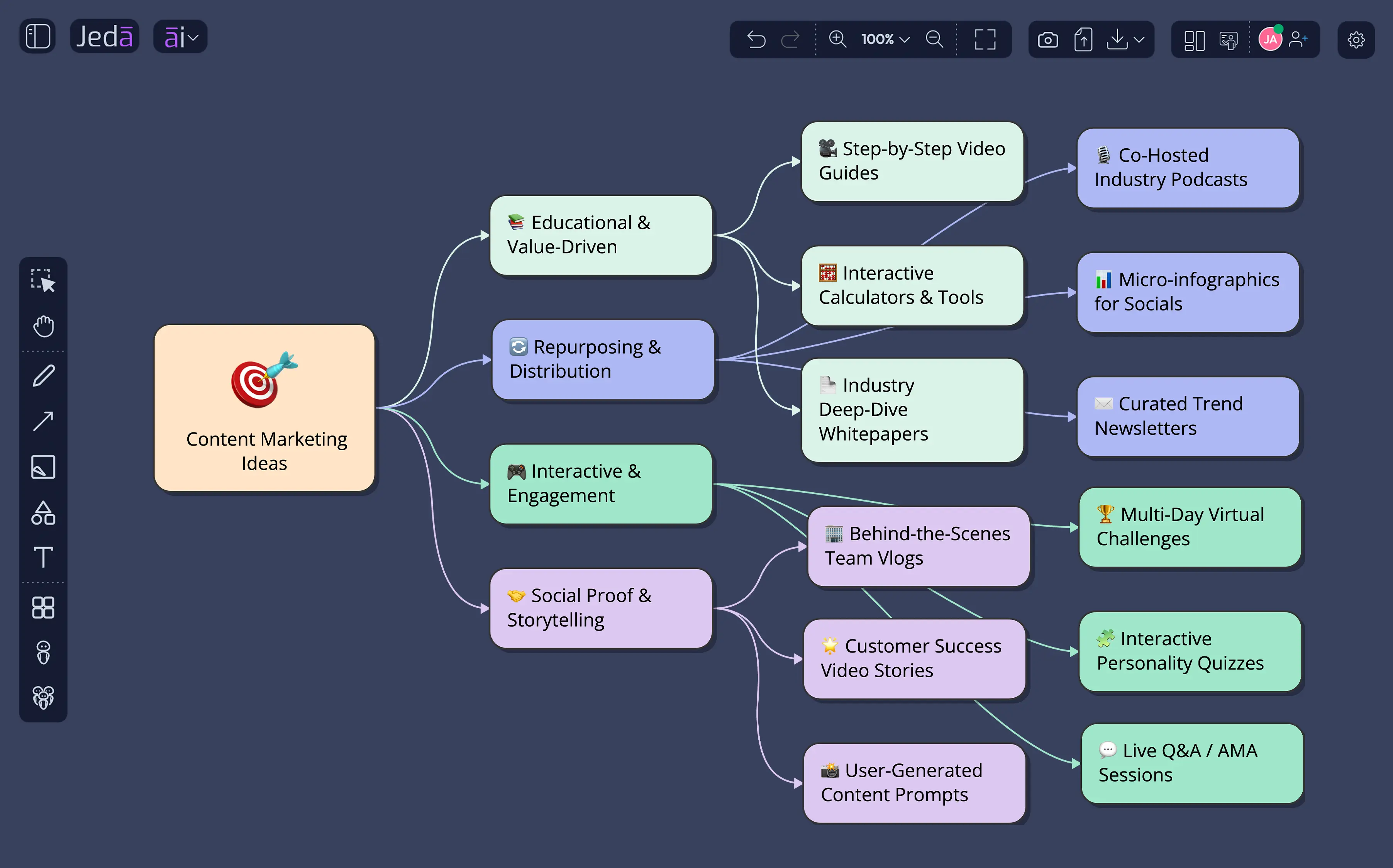
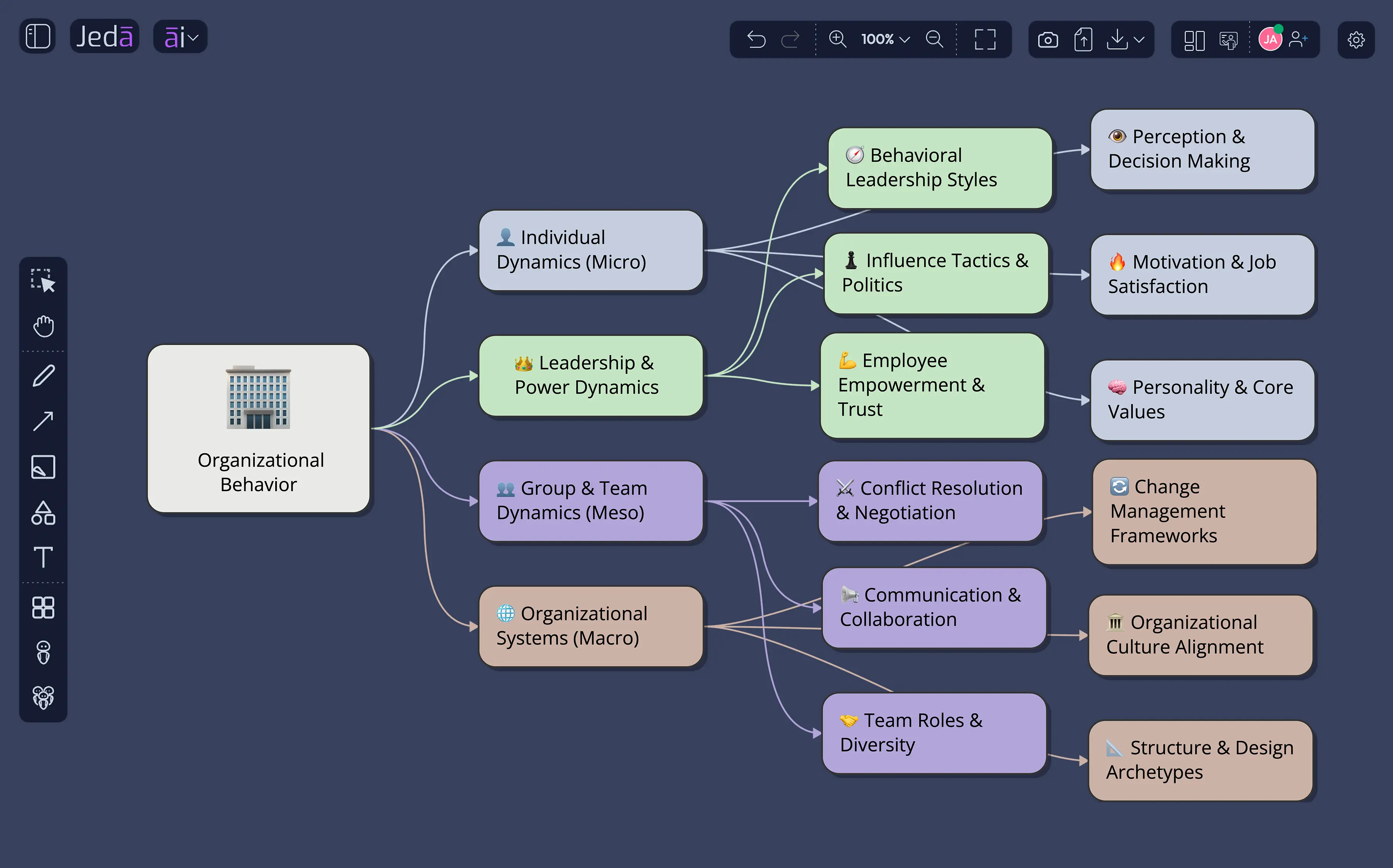
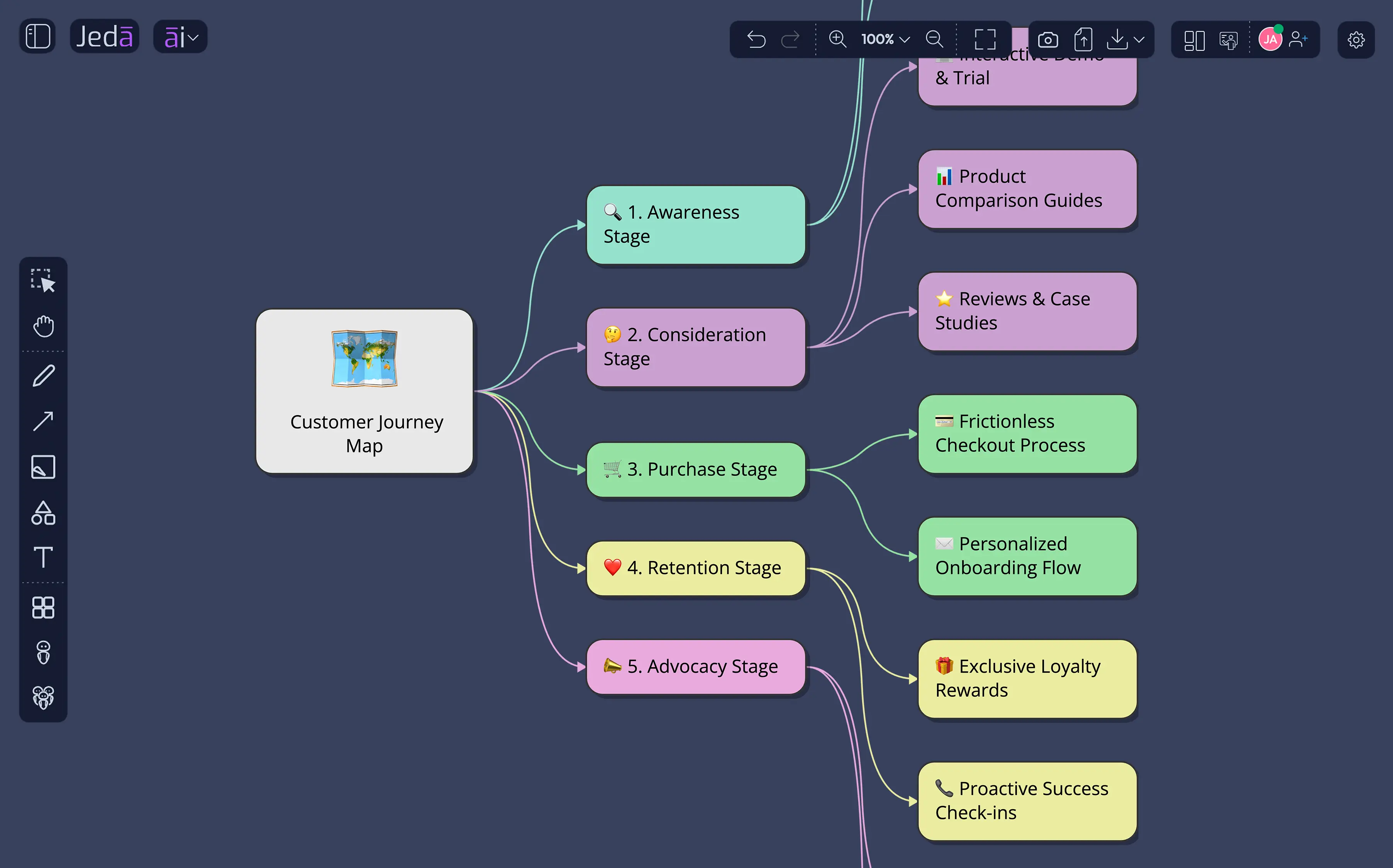
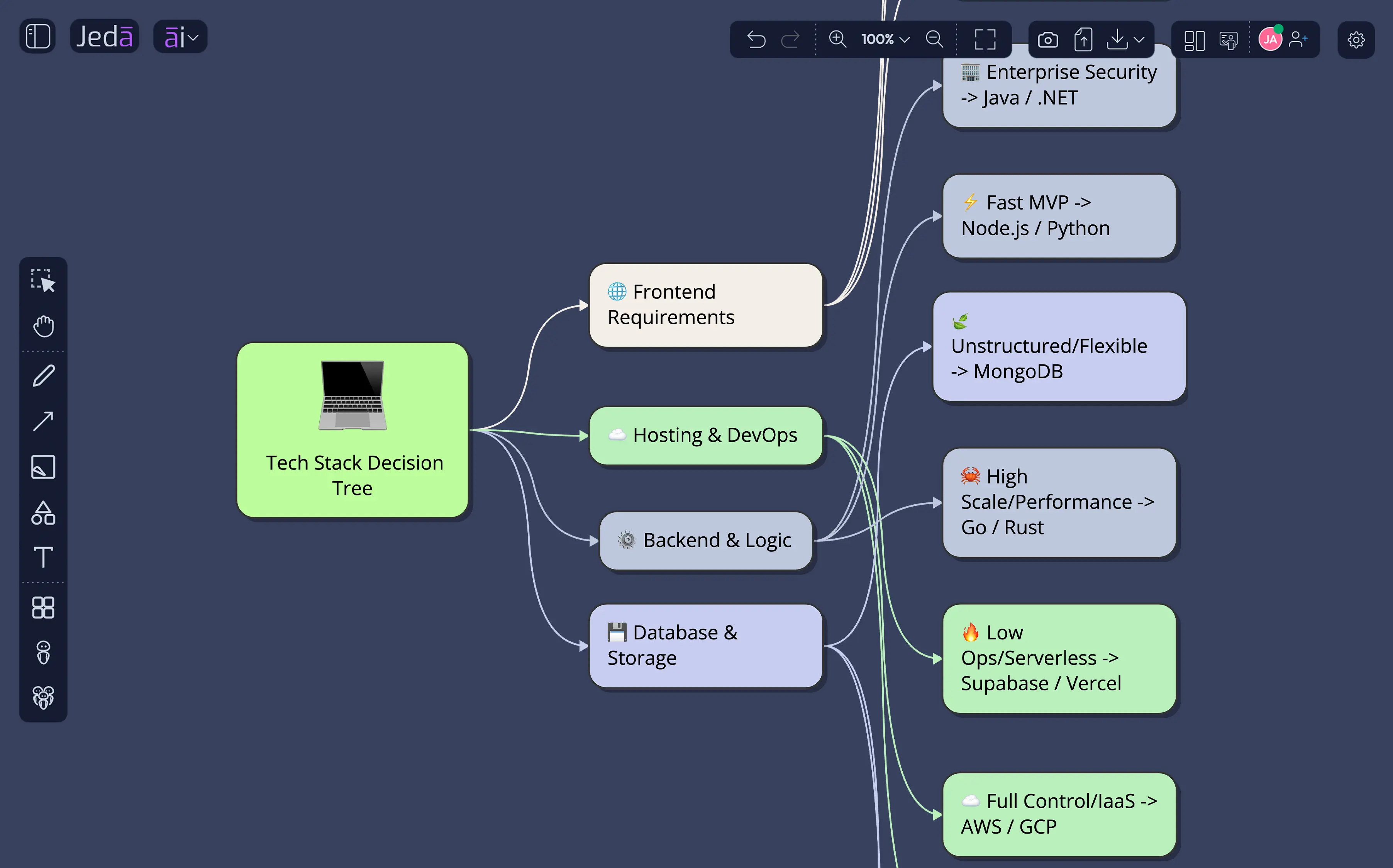
Consultants, MBA students, product managers, and business analysts use Jeda.ai's ai mind mapping tools daily.
We also offer to help you get started
"thanks for sharing. Amazing how the interface seems intuitive and flows well. Organizations need to upskill their people to this new potentialhashtag#upskillhashtag#reskillhashtag#peopleexcellencehashtag#newbeginning"
"Jeda.ai Version 3 sounds like a game-changer! The ability to turn ideas into editable visuals instantly and the multi-LLM agent feature are especially impressive. It’s like an all-in-one workspace for visual thinkers. Definitely excited to try it out!"
"Just explored Jeda.ai v4 - and it's a meaningful jump from v3. v4 feels closer to a Design Thinking OS: research + synthesis + structure + iteration happening in one place. Web Search inside the workflow, iterative diagramming, upgraded models. If you're bouncing between tools, this is worth a look."
"Just explored Jeda.ai V3 - the new Infographic Generator and refined UI blew me away! Instantly turned prompts into clean visuals. From mind maps to strategic frameworks, it feels like an AI co-creator. Shifting from AI as a drafting tool to a live intelligence co-creator is the heart of this upgrade."